DeeJazz for Windows, Linux and Android

All your music. No distractions.

Your music on desktop and mobile, with fewer distractions.

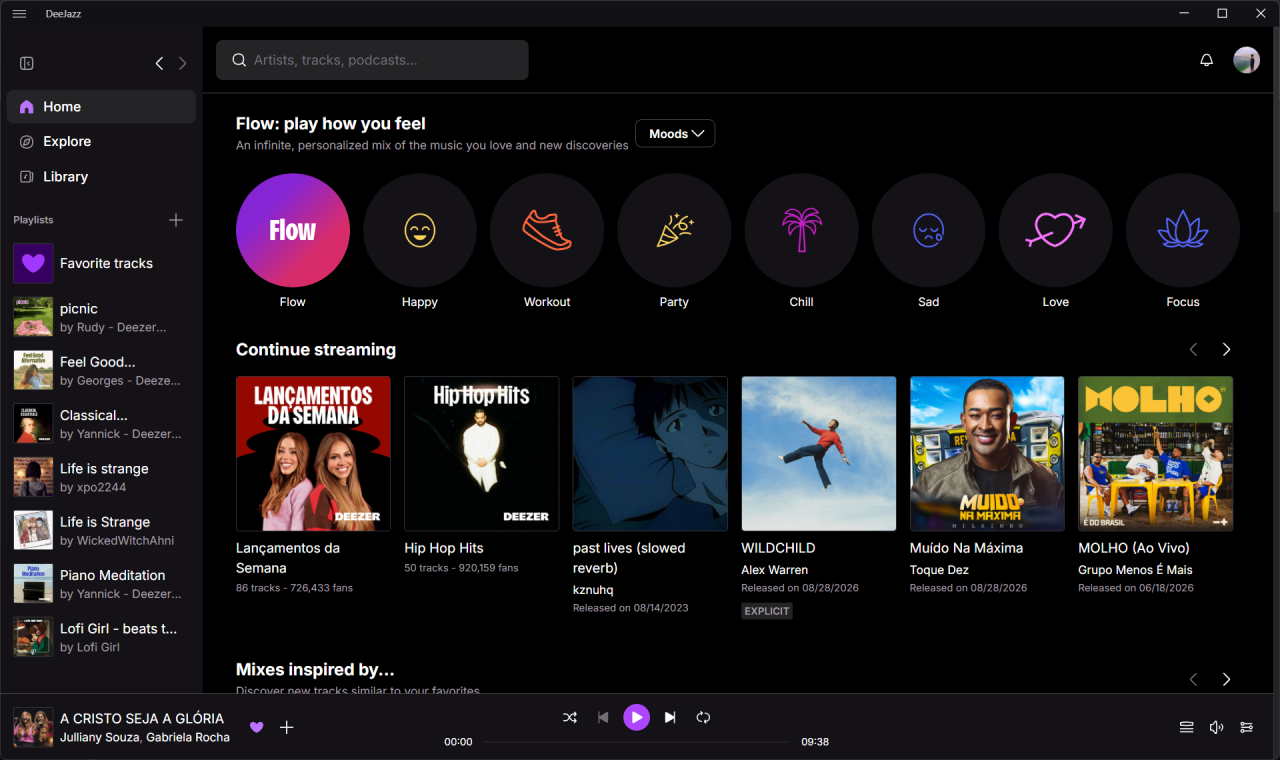
DeeJazz running on Windows with Home, music recommendations, navigation, and playback controls

Choose your platform.

Choose the Windows installer, the Linux install command or the Android APK.

Windows
Windows 10 or newer
Download Installer

Choose your installer from GitHub Releases

Android
Android 6.0 or newer · ARM64
Download APK

Get the Android APK from GitHub Releases

Linux
x86_64 portable package
curl -fsSL https://raw.githubusercontent.com/ryahconstantino/deejazz/master/scripts/install-linux.sh | sh

Install with curl in your terminal

Open source by design

Open for improvements.

Have an idea for DeeJazz? The project is open to thoughtful improvements, fixes, and new contributions.

Suggest an improvement
Microsoft Defender SmartScreen

SmartScreen blocked the installer?

The current Windows installer is not code-signed, so SmartScreen may report it as an unrecognized app.

  1. Verify the download

    Continue only with the versioned DeeJazz Windows x64 installer (.exe) downloaded from the official DeeJazz GitHub release.

  2. Open More info

    In the blue SmartScreen window, select More info to reveal the app details and the additional action.

  3. Choose Run anyway

    Confirm the filename, choose Run anyway, and then complete the DeeJazz installer.

Keep SmartScreen enabled. This procedure allows only this downloaded file and does not disable Windows protection.

How SmartScreen reputation works

Your music has a new look.

DeeJazz brings the experience you know into a cleaner desktop application that is ready to play.

Windows
A familiar installer and automatic shortcuts.
Linux
A portable package installed from the terminal.
Simple installation
Open the app and return to your music.

More music. Less noise.

Colorful 2D illustration of keyboard shortcuts controlling music playback

Quick shortcuts

Control playback without taking your hands off the keyboard.

Focused experience

A dedicated window to listen, discover, and organize.

Built-in protection

uBO Lite helps reduce ads, trackers, and distractions.
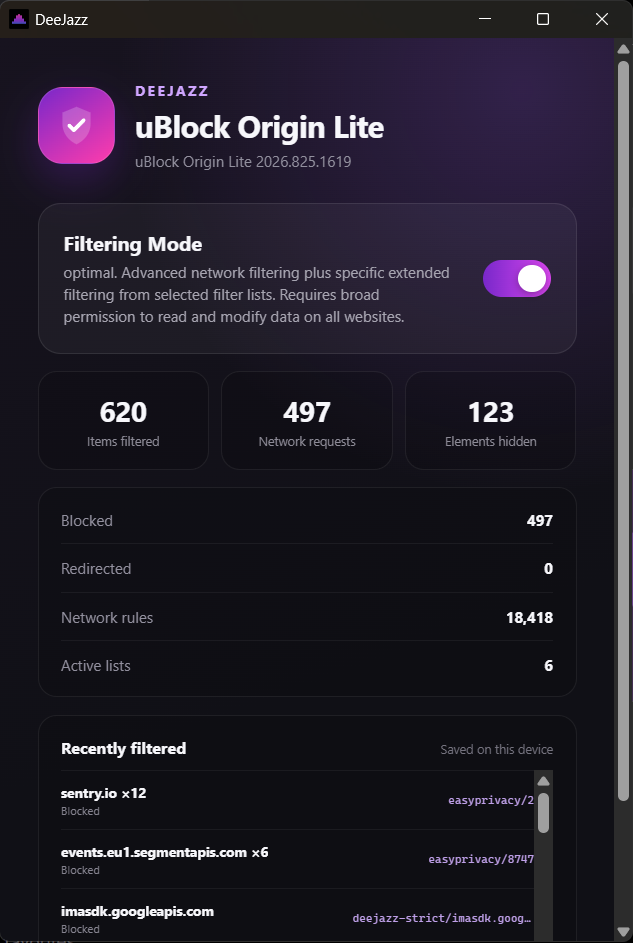
Real DeeJazz blocker panel showing active protection and saved filtering statistics

uBO Lite built in

The music stays. Distractions go.

DeeJazz adds content blocking for a lighter and more private listening experience.

  • Content filters ready to use
  • Fewer trackers while browsing
  • Protection enabled automatically

Press play your way.

Available for Windows, Linux and Android.

Downloads